
Shared library
Interactive components
Polls, ratings, sticky notes and more — new components to bring your live presentations to life, installed without ever touching the application's core.
4 components


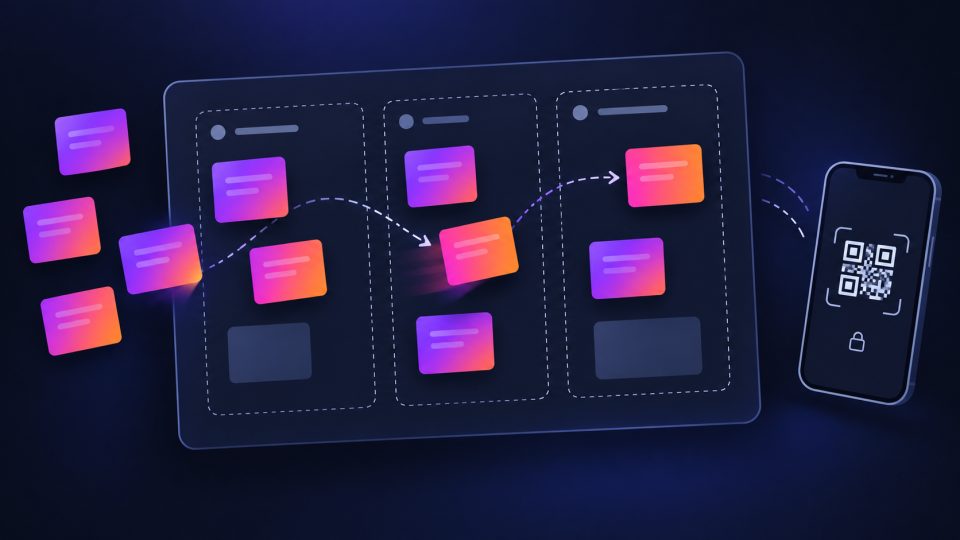

How to install a component
From the built-in marketplace
Interactive menu > Interactive components marketplace…: browse and install the component of your choice directly from the app.
Custom Python component
Drop the downloaded file into SlydeForge's slide_component_addons/ folder: it registers automatically at startup, using the same mechanism as the built-in Whiteboard.
Share your own component
An interaction mode you designed for your presentations can benefit the whole community. Reach out to the project's author via the contact form to submit it.
Contact the author