
Workflow components
New connectors and automation building blocks for the workflow engine, added without ever touching the application's core.
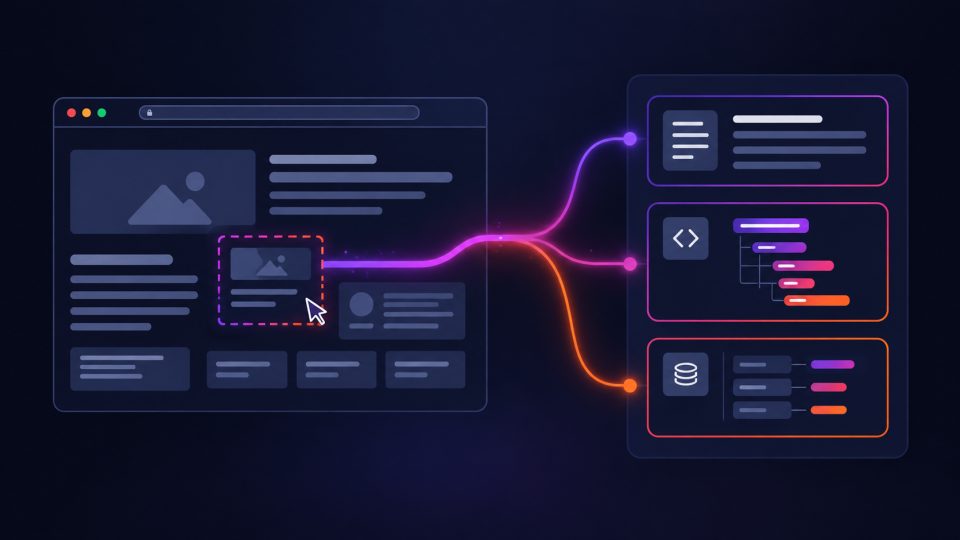
Web Page Scraper
Fetches a web page and extracts the element(s) matching a CSS selector (DOM path) — concatenated cleaned text, plus a structured version (tag/text/HTML/attributes).
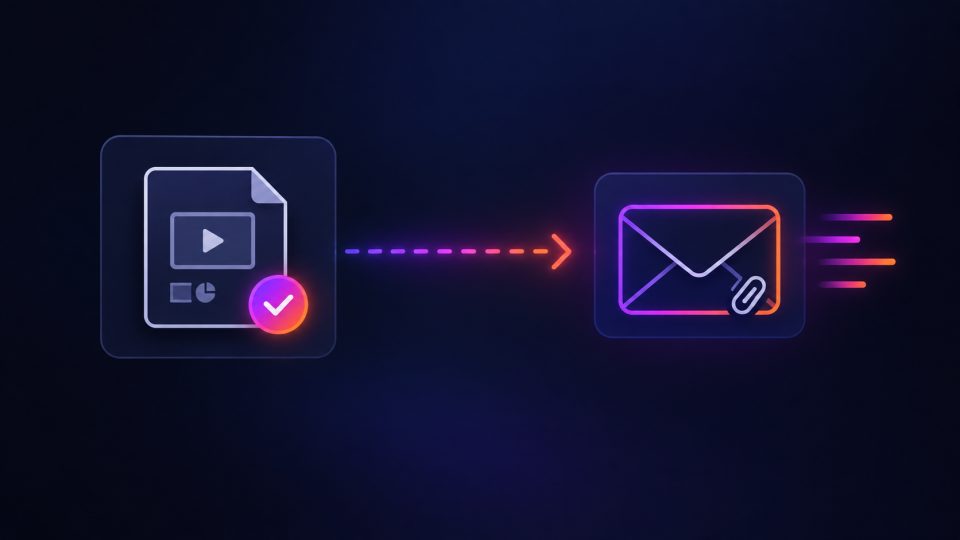
Sends an email via SMTP, with an optional attachment — designed to be chained after an export node (PPTX/video export) to notify when a job finishes.
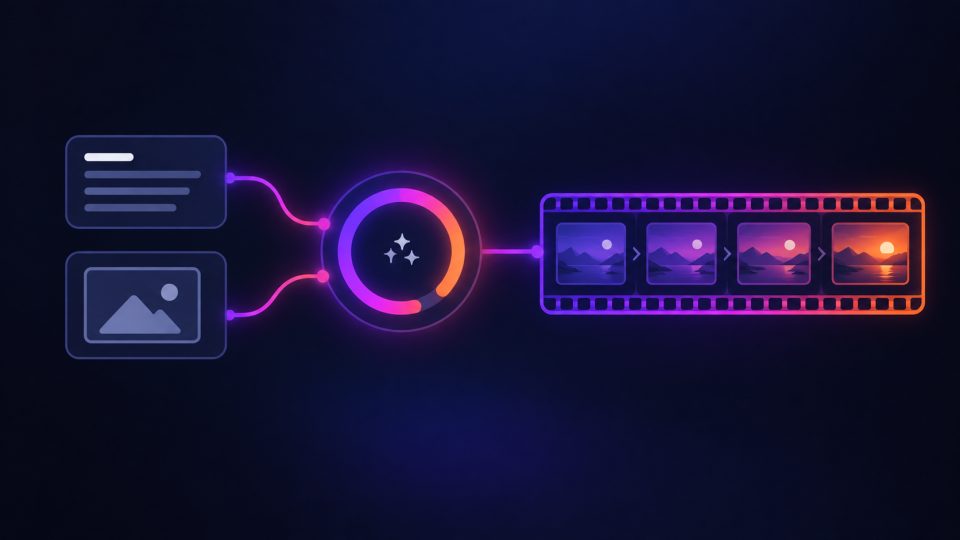
RunwayML Video
Generates a video via RunwayML (text, or image-to-video if a source file is provided) — asynchronous submission, polling, then downloading the result. ⚠️ Third-party API evolving quickly, see this file's header.

OpenAI Image Generator
Generates an image via the official OpenAI API (gpt-image-1 / dall-e-3 / dall-e-2) — configurable model, quality and style, with a dedicated OpenAI API key.
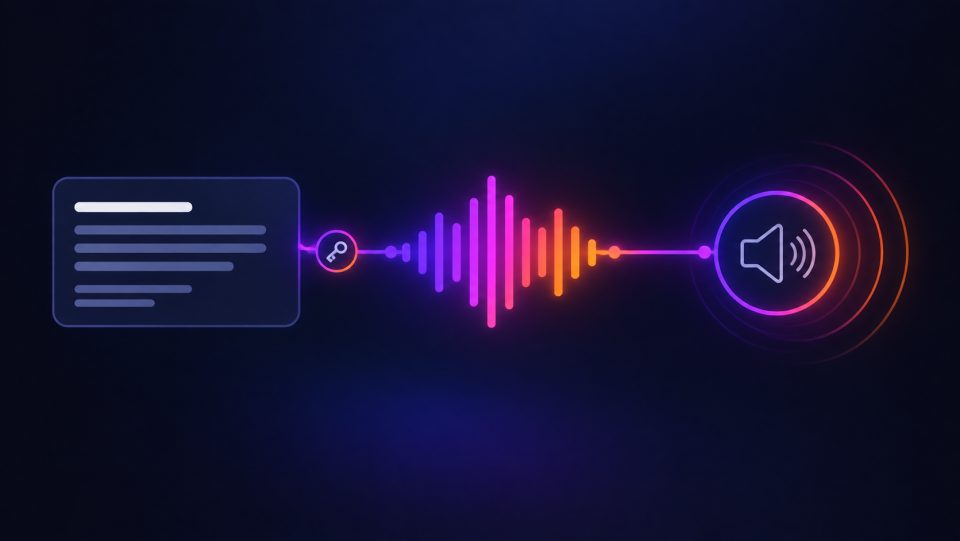
ElevenLabs
Generates an audio file from text via ElevenLabs — reuses the API key configured in Settings > Voice by default (config.api_key for a dedicated key).
How to install a component
Workflows menu > Component marketplace: browse and install the component of your choice directly from the app.
Drop the downloaded file into workflow/addons.py (or a module it references): it registers automatically at startup, using the same mechanism as the built-in blocks.
Share your own component
A connector built for your organization can benefit the whole community. Reach out to the project's author via the contact form to submit it.
Contact the author