
Post-its / Zones
by SlydeForge · Published on 2026-08-24 · 52 downloads
Interactive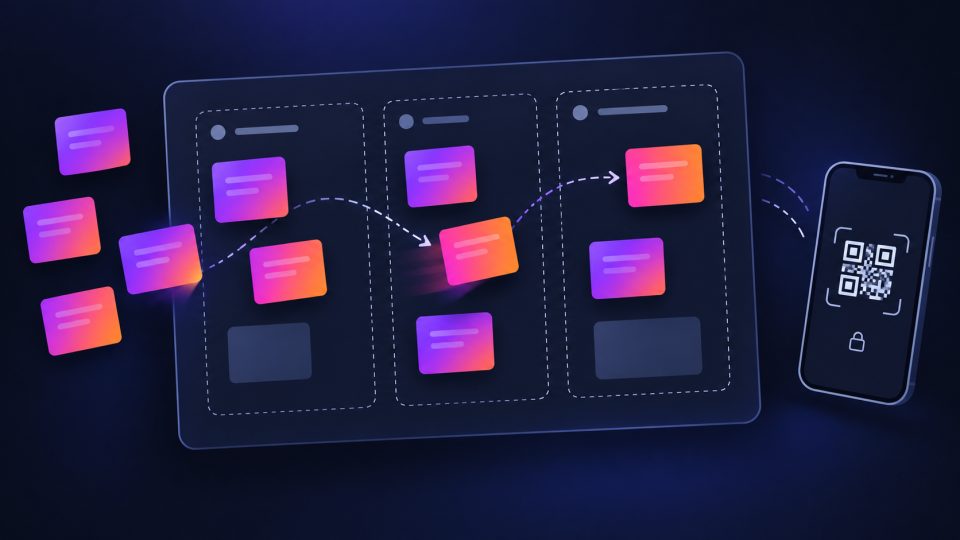
Drag labels into named zones during the presentation — local by default, no network. Optional remote interaction via QR code (attendees add/move/recolor/edit/delete sticky notes from their phone, optional access code). Optional AI assistant at preparation time to suggest labels/zones.
📡 Network usage
No network call by default. At PREPARATION time only, if you deliberately click a "Suggest via AI…" button: 1 request to the AI backend already configured in SlydeForge (Settings > AI), on demand, never automatic. If you explicitly enable "Remote interaction (QR code)" at preparation time: while a slide carrying this component is displayed and enabled during a presentation, 1 HTTP (GET) request every 1.5 seconds to the slydeforge.com relay to fetch the audience's actions, plus 1 HTTP (POST) request per action taken (locally OR from an attendee's phone) to propagate it. No request outside an active presentation on a slide carrying this component, and none at all if remote interaction stays disabled (the default).